

Product Photography Tips for Beginners Using a Phone or a Simple Studio
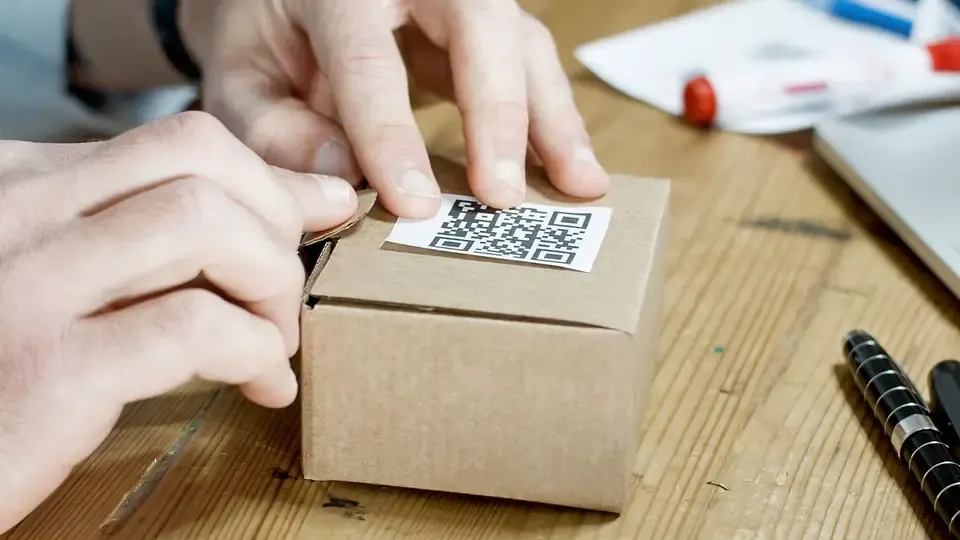
The most useful product photography tips for beginners are about light, background and consistency, not expensive gear. Shoot near a large window with soft daylight, use a plain white or neutral background, keep the phone steady on a tripod, photograph every product from the same set of angles, and edit lightly so colours stay true. Follow those five habits and a recent smartphone can produce clean images for your website, Instagram, Amazon, Flipkart or Meesho listings. Book a professional shoot when you need hero images, lifestyle scenes or a large catalogue done to a strict standard.
This guide walks through each step for home and small-studio setups. If you would rather have the shoot planned and handled for you, our page on commercial photography in Coimbatore covers product, ecommerce and brand shoots.
Light first: window light and simple diffusers

Light decides more of the final image than the camera does.
Use a big window, not direct sun. Place your table beside a north-facing window or any window without harsh direct sunlight. Mid-morning or late afternoon light is usually softer in Coimbatore than the strong midday sun.
Diffuse harsh light. If sunlight falls directly on the table, tape a sheet of tracing paper, a thin white cotton cloth or a shower curtain over the window. It spreads the light and softens shadows.
Bounce light into shadows. Hold a white foam board or chart paper on the side opposite the window. It reflects light back and lifts dark areas without a second lamp.
Turn off room lights. Mixing yellow tube lights or bulbs with daylight gives uneven colour casts that are hard to fix later.
For consistent indoor shoots, two affordable LED panels with diffusers, placed at roughly 45 degrees on either side of the product, give the same light at any hour. That consistency matters when you shoot a catalogue over several days.
Backgrounds and props
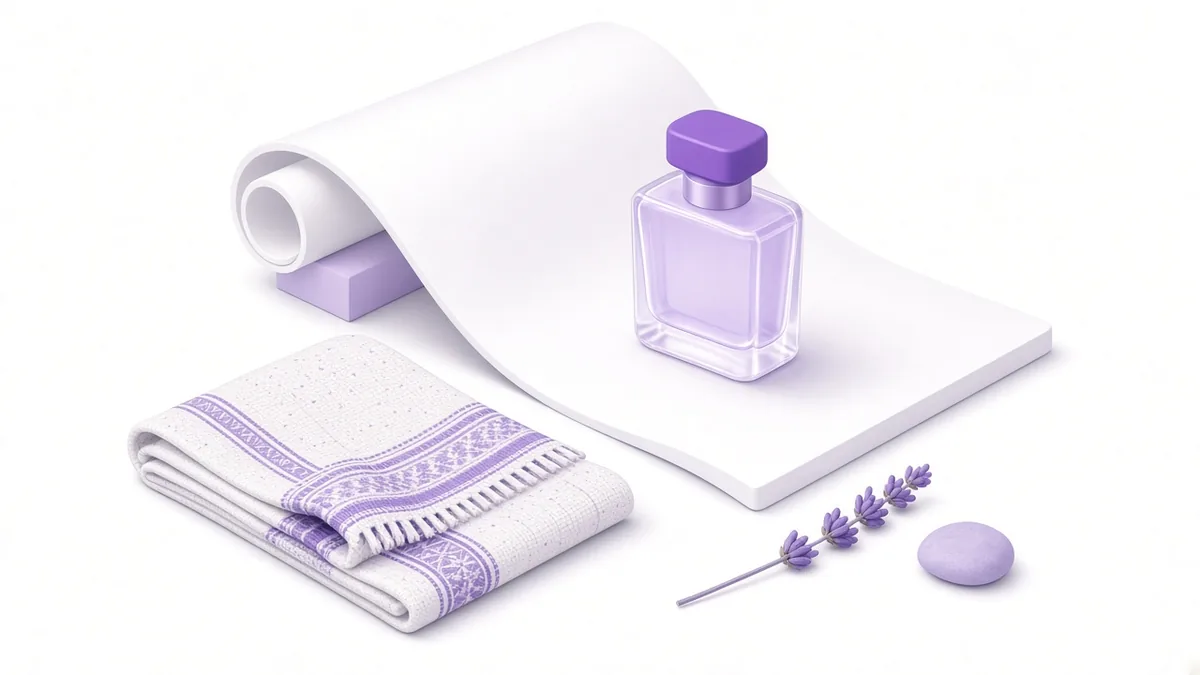
White for marketplaces. Many marketplaces want the main image on a pure white background. A sweep of white chart paper or a bendable PVC sheet curving from the wall down onto the table removes the visible horizon line.
Neutral or textured for brand use. For your own website and social media, wood, stone, linen or coloured paper can add character. Choose backgrounds that suit the product, such as a rough wooden board for handmade soaps or a clean marble tile for jewellery.
Props should support, not distract. A coffee bean or two beside a coffee pack, fresh flowers beside a candle, or a folded dupatta beside a saree help show scale and use. Keep props fewer and smaller than the product.
Clean everything. Dust, fingerprints and lint show clearly in close-ups. Wipe the product with a microfibre cloth and use cotton gloves for shiny items like steel utensils or glass.
Angles every listing needs

Shoppers cannot touch the product, so photos must answer their questions. A standard set for most products:
| Shot | Purpose |
|---|---|
| Front, straight on | Main identification image |
| 45-degree angle | Shows depth and shape |
| Side and back | Reveals details, ports, labels, stitching |
| Top-down (flat lay) | Works for food, stationery, accessories, sets |
| Close-up of texture or detail | Fabric weave, finish, engraving, ingredients |
| Scale reference | Product in hand or beside a common object |
| In use or styled | Shows the product in real life |
| Packaging | Shows what arrives at the door |
Keep the camera height, distance and lighting the same for every product in a range. A consistent grid on your website or Instagram looks far more professional than mixed styles.
Example (illustrative, not a client result): a steel kitchenware maker in Ganapathy shoots every product from the same five angles on the same white sweep. When the website goes live, all product pages look uniform, and new items can be added without reshooting the old ones.
Phone camera settings

Most recent phones handle product shots well if you control a few settings:
- Clean the lens. A smudged lens is the most common cause of hazy photos.
- Use a tripod or a stack of books. Even small hand shake softens detail.
- Use the timer or a remote shutter to avoid shake when tapping.
- Avoid digital zoom. Move the phone closer, or use the phone's dedicated telephoto lens if it has one.
- Tap to focus on the product and lower the exposure slider slightly if white areas look washed out.
- Turn off flash. Built-in flash creates harsh reflections and flat shadows.
- Shoot at the highest resolution and, if your phone offers it, try a RAW or pro mode for more editing flexibility.
- Lock focus and exposure (often a long press on the screen) so every shot in a series matches.
Editing without overdoing it

Good editing corrects; it does not invent.
- Crop and straighten. Keep the product centred with even space around it.
- Correct white balance. Whites should look white, not blue or yellow.
- Adjust exposure and contrast gently. Lift shadows a little, keep highlights from clipping.
- Remove dust and small blemishes. Use a healing or spot tool sparingly.
- Keep colours true. Returns and complaints often come from colours that looked different online, especially for clothing and furniture.
- Export at sensible sizes. Large enough for zoom on marketplaces, compressed enough for fast-loading web pages.
Free and low-cost apps such as Snapseed or Lightroom Mobile are enough for most beginners. Save one editing preset and apply it to every photo in a range for consistency.
Marketplace and ad image rules
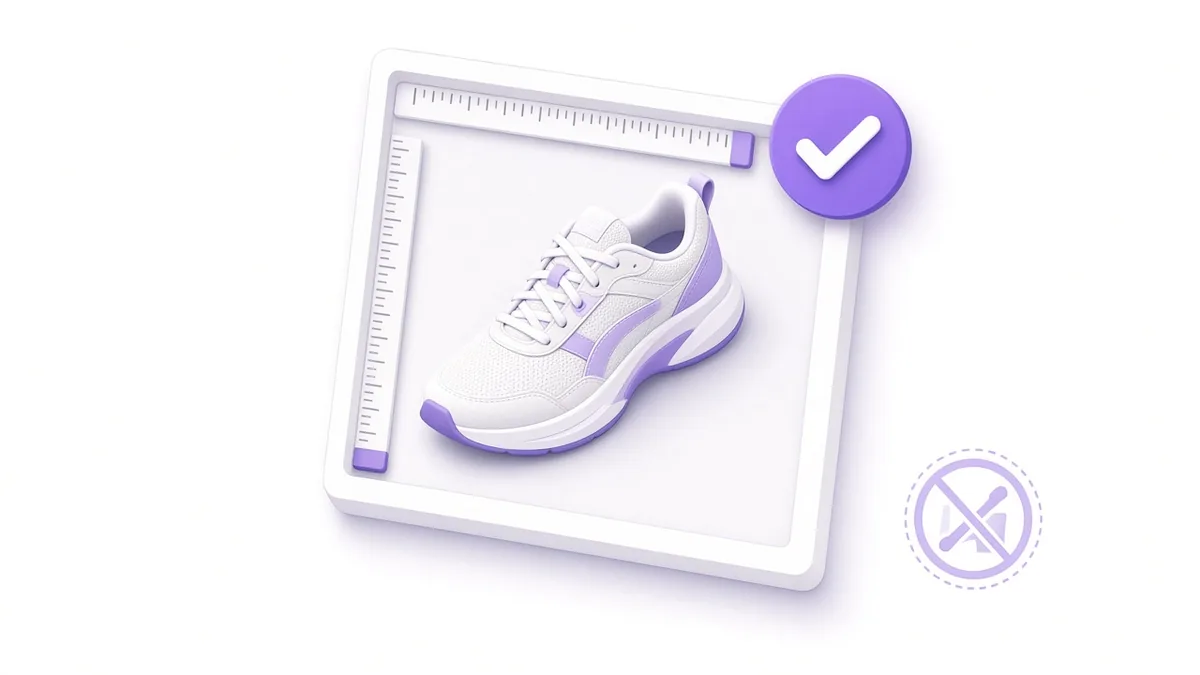
Each platform publishes its own image requirements, and they change, so always read the current seller or advertiser guidelines. Common rules include:
- Main image on a pure white background with the product filling most of the frame.
- No watermarks, logos or promotional text on the main image for many marketplaces.
- Minimum resolution so customers can zoom; marketplaces often recommend images of at least 1,000 pixels on the longest side.
- Only the product being sold in the main image, without extra items that are not included.
For ads and catalogues, images also need to work in square and vertical crops. If you plan to run product ads on Facebook and Instagram, our Meta catalogue ads guide explains how product images feed into those ads. For shopping campaigns on Google, see our page on ecommerce Google Ads.
When to hire a photographer

DIY works well for simple products and early listings. A professional shoot is worth considering when:
- you are launching a brand and need hero images for the website, packaging and ads,
- products are reflective, transparent or very small, such as jewellery, glassware or watches, which are hard to light at home,
- you need lifestyle or model shots that show the product in use,
- you have a large catalogue that must match a strict standard,
- your DIY photos are clearly hurting sales or ad performance.
A good photographer also plans the shot list around where images will be used, so one shoot can serve listings, social media and ads.
Frequently asked questions

What is the cheapest product photography setup for a home business?
A window, white chart paper, a foam board reflector, a phone tripod and a free editing app. That setup costs little and handles most small products well.
How do I photograph shiny products without reflections?
Use large, soft light sources, avoid direct flash, and surround the product with white boards so reflections look clean. Changing the camera angle slightly also moves unwanted reflections out of view.
Should I photograph clothing flat, on a hanger or on a model?
Each has a role. Flat lays and ghost-mannequin shots work for marketplaces, while model shots show fit and drape. Many sellers use flat or mannequin images for listings and model images for social media.
How many photos should each product listing have?
Enough to answer a buyer's main questions: typically the front, a few angles, details, scale and packaging. Check each marketplace's limit and use as many useful slots as allowed.
Can I use AI tools to change product backgrounds?
Background removal tools can save time, but check edges carefully and never alter the product itself. Buyers expect the item they receive to match the photo exactly.
Need product photos that sell?

When your listings and ads need images shot to a professional standard, see what our commercial photography in Coimbatore service covers, or write to info@xtrodinry.com with a few sample products to discuss a shoot plan.
About the author: Karthik N, Founder of Xtrodinry in Coimbatore and SEO strategist. Connect on LinkedIn · About Xtrodinry
Xtrodinry · 4/175/A, Vijayalakshmi Nagar, Panappatti, Coimbatore, Tamil Nadu 641201 · +91 93429 52626 · info@xtrodinry.com