Call Tracking in Google Ads: A Setup Guide for Indian Businesses

Call tracking in Google Ads means counting the phone calls your ads produce as conversions, so you can see which keywords, ads and campaigns lead to real conversations. There are three main kinds of call tracking Google Ads supports: counting calls made directly from the ad, counting calls to a number shown on your website after an ad click, and counting taps on your phone number on a mobile site. Each needs a slightly different setup, and each should use a minimum call length so short or accidental calls do not inflate results. For many businesses in India, where customers prefer to phone rather than fill forms, getting this right is the difference between guessing and knowing. If you want this handled within a full campaign, see our Google Ads lead generation in Coimbatore service.
Why calls go untracked
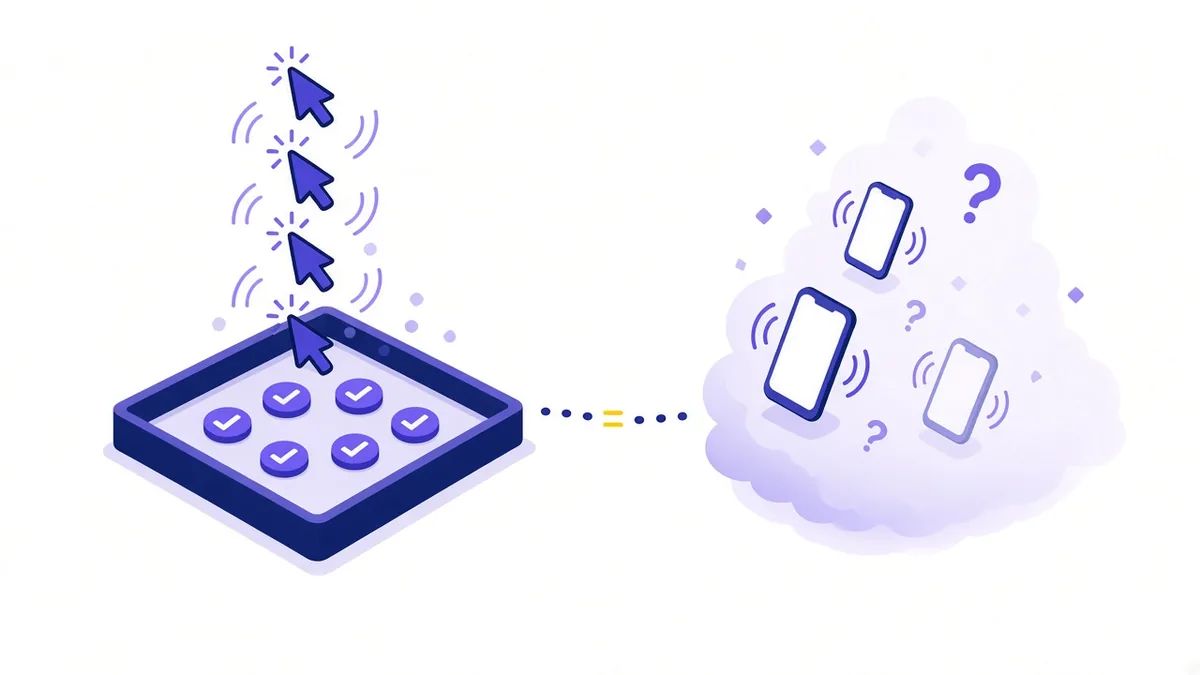
Many accounts track only form submissions. The owner sees a handful of "conversions" in Google Ads while the phone rings all day, and concludes the ads are not working, or keeps spending blindly. Automated bidding has the same blind spot: if Google cannot see calls, it cannot learn which searches bring them.
Typical reasons calls go missing:
- No call asset on the ads, or call reporting switched off.
- The website shows a fixed number that Google cannot connect to an ad click.
- Phone numbers are shown as images or plain text instead of tap-to-call links.
- Calls come through WhatsApp voice or a personal mobile, outside any tracking.
The three kinds of call conversions
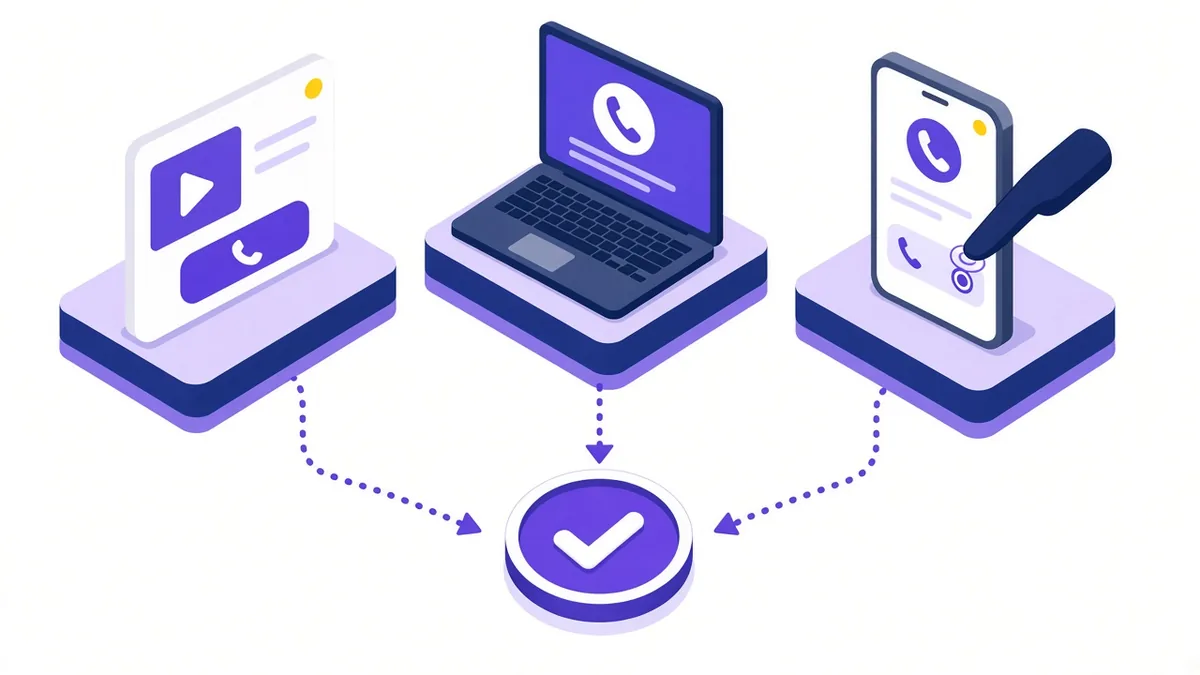
| Type | What it counts | What you need |
|---|---|---|
| Calls from ads | Calls made by tapping the call button in the ad | Call asset with call reporting on |
| Calls to a number on your website | Calls made after someone clicked an ad and visited your site | Google forwarding number plus a website snippet |
| Clicks on your number on a mobile website | Taps on a phone link on your site | A conversion tag that fires on the tap |
There is also a fourth, more advanced option: importing calls from your own call system or CRM, which suits businesses already using call tracking software.
Setting up calls from ads
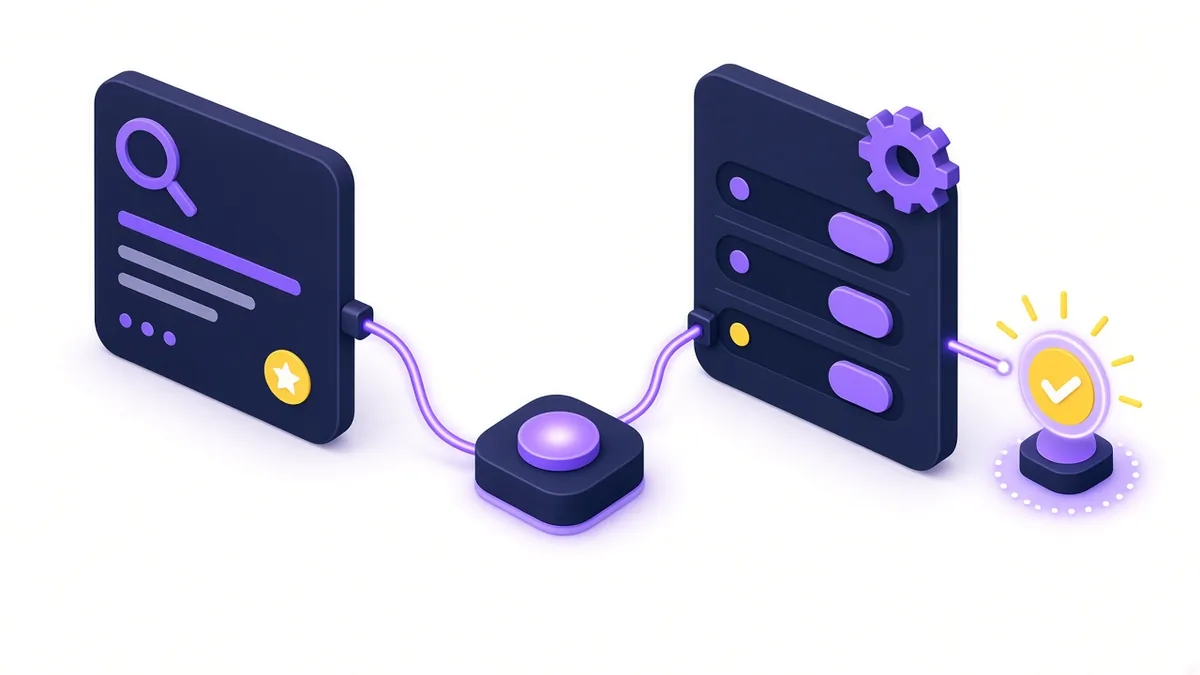
- In Google Ads, go to Goals, then Conversions, and create a new conversion action.
- Choose Phone calls, then Calls from ads using call assets or call ads.
- Name it clearly, for example "Calls from ads 60s+".
- Set the call length that counts as a conversion.
- Choose the value and count setting (explained below).
- Make sure your call assets have call reporting turned on and use this conversion action.
Google forwarding numbers make the measurement possible. India is among the supported countries, though some calls may show a Google number as caller ID rather than the customer's own. Brief whoever answers so these calls are not dismissed.
Tracking calls from your website
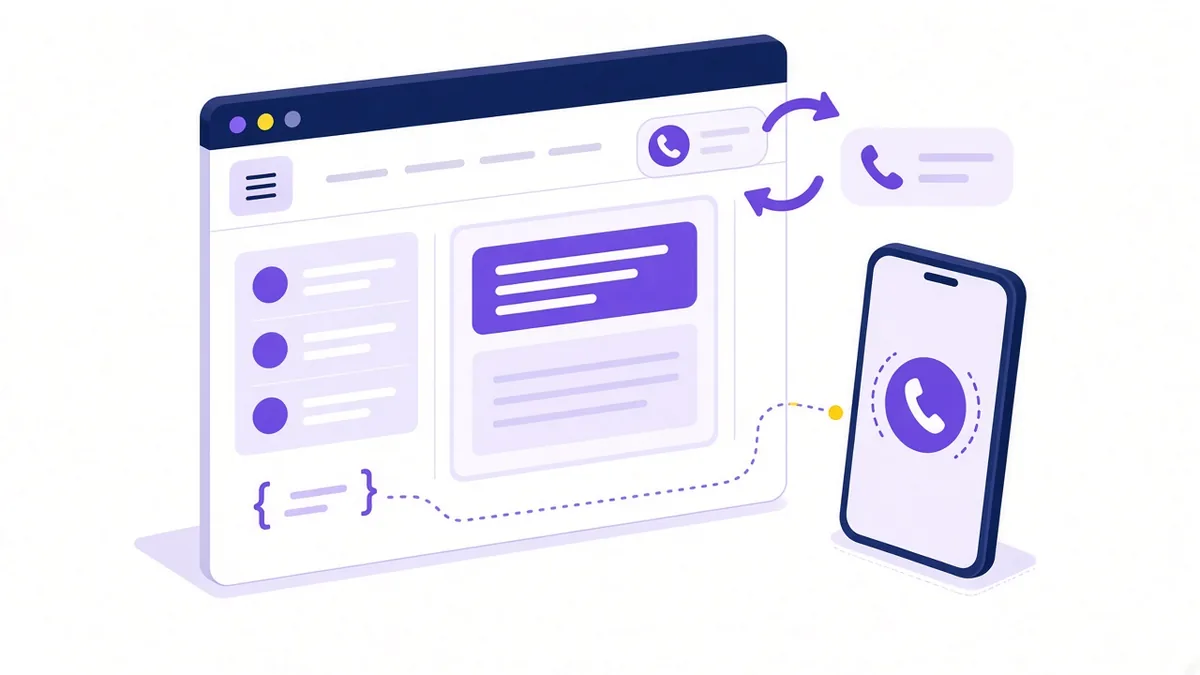
When someone clicks your ad, visits the site and then calls the number on the page, a plain number tells Google nothing. Website call conversions solve this by swapping your number for a Google forwarding number, only for visitors who came from an ad.
- Create a conversion action and choose Calls to a phone number on your website.
- Set the call length and count settings.
- Add the Google tag to every page if it is not already there.
- Add the phone snippet code, which tells the tag which number on the page to replace.
- Test by clicking one of your own ads on a phone, visiting the site and checking that the number changes. Avoid running up costs by testing sparingly.
Your real number still shows for everyone else, including people who arrive from organic search or your Google Business Profile.
Clicks on your number on mobile
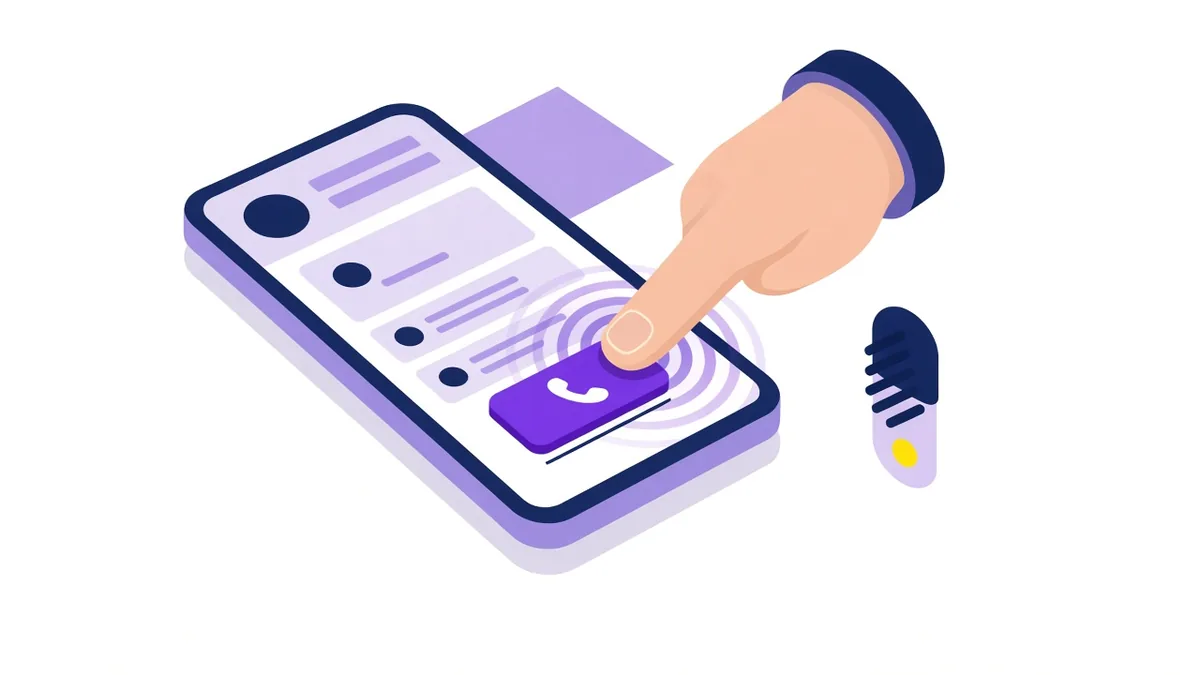
This type counts the tap rather than the call itself. It is easy to set up, either with a tag that fires on clicks on tel: links or through Google Tag Manager. It is useful when forwarding numbers are not practical, but it is less precise: a tap does not prove a call happened or how long it lasted. Treat it as a secondary signal, or use it alongside forwarding-number tracking.
Choosing a call length and counting rules

Call length
The default minimum is 60 seconds. Adjust it to your business. A quick booking call for a salon might be meaningful at 45 seconds; an enquiry for industrial machinery probably needs longer. Look at what a genuine first conversation sounds like and set the threshold just below it.
Count: every or one
If one person calls three times about the same job, you probably want to count one conversion. For lead generation, choosing One is usually more accurate. For businesses where each call can be a separate sale, such as food orders, Every may suit better.
Value
If you know roughly what a genuine call is worth on average, add a value. It helps you compare campaigns by return rather than volume alone.
Example (illustrative, not a client result): A diagnostic lab in Coimbatore tracks calls from ads at a 45-second minimum and website calls at 60 seconds, both counted once per caller. After a month, it notices one campaign brings many short calls asking about home sample pickup in areas it does not serve. Narrowing the location targeting to the areas it covers reduces wasted calls without touching the budget.
From tracked call to real lead
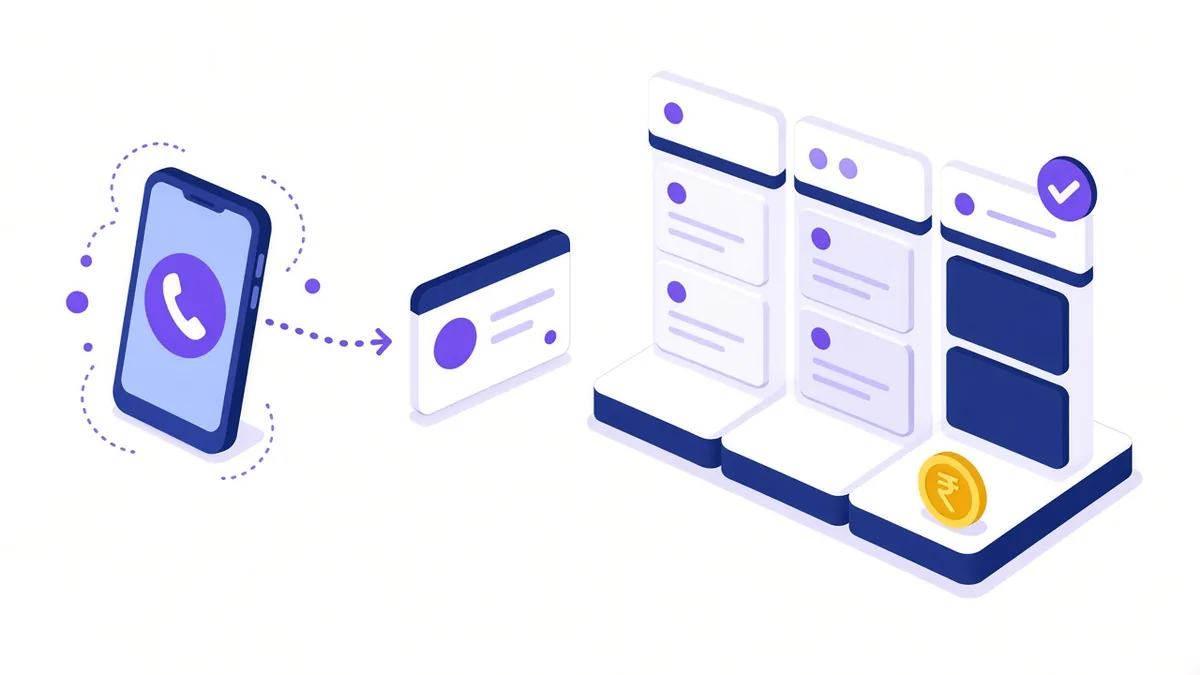
A tracked call is a conversation, not yet a customer. Close the loop:
- Keep a simple sheet of ad calls with date, time, caller need and outcome.
- Review it weekly against the search terms that triggered calls.
- If you use a CRM, consider importing qualified calls or sales back into Google Ads as offline conversions, so bidding learns from real outcomes.
- Answer quickly; an unanswered paid call is a lost opportunity.
To get more calls in the first place, see our guide to Google Ads call assets. For the wider account strategy, our Google Ads agency in Coimbatore page explains how we work.
Frequently asked questions
Does call tracking record the conversation itself?
Standard Google Ads call reporting records details such as call time, duration and area code, not the audio. Recording calls through third-party software needs a clear notice to callers and should follow Indian privacy rules.
Why do I see fewer tracked calls than the calls my team received?
Not every call comes from an ad. Some arrive from your Google Business Profile, organic search, old customers or printed materials. Others may come from ad visitors who wrote your number down and called later from another phone, which tracking cannot connect.
Can I track WhatsApp calls from Google Ads?
Not directly as phone call conversions. You can count clicks on a WhatsApp button on your website as a conversion, but voice calls made inside WhatsApp are not visible to Google Ads.
Should calls and form leads be separate conversion actions?
Yes. Separate actions let you see which campaigns bring calls and which bring forms, and you can give each its own value. Mark the most important ones as primary so bidding focuses on them.
Measure every enquiry
If you want calls, forms and WhatsApp clicks tracked properly from the start, visit our Google Ads lead generation in Coimbatore page, call +91 93429 52626 or write to info@xtrodinry.com.
About the author: Karthik N, Founder of Xtrodinry in Coimbatore and SEO strategist. Connect on LinkedIn · About Xtrodinry
Xtrodinry · 4/175/A, Vijayalakshmi Nagar, Panappatti, Coimbatore, Tamil Nadu 641201 · +91 93429 52626 · info@xtrodinry.com