
Google Ads Call Assets: How to Get More Phone Calls from Your Ads
Google Ads call assets attach your business phone number to search ads; on phones it appears as a button people can tap to ring you. They used to be called call extensions. For plumbers, electricians, clinics, repair shops and other local services, they turn an ad into a one-tap phone call, which is often how customers in India prefer to enquire. Adding one takes a few minutes, but getting the details right, such as verified numbers, call hours and reporting, decides whether those calls become paying jobs. This guide covers set-up, scheduling, approval issues and how call assets differ from the older call-only format. For campaigns built around calls, see Google Ads for local service businesses on our Coimbatore site.
What is a call asset (formerly call extension)?
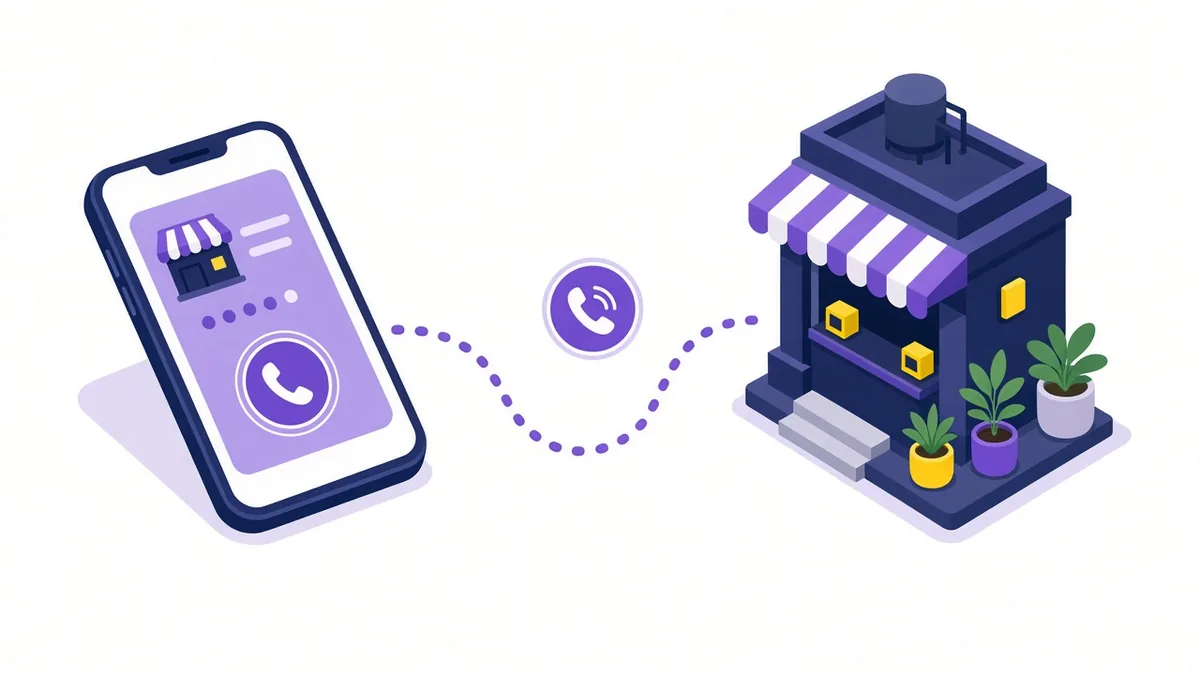
Google renamed ad extensions to "assets" a while ago. A call asset is one of these add-ons. When your ad shows on a phone, people see a call button; on a computer, the number appears as text in the ad. You can add it at account, campaign or ad group level, so different services or branches can show different numbers.
A tap on the call button is charged in the same way as a click on the ad headline. There is no separate fee for having the asset.
Google decides when to show assets based on expected performance and the ad's position, so the call button does not appear on every impression. Adding it simply makes it eligible.
Call assets vs call ads
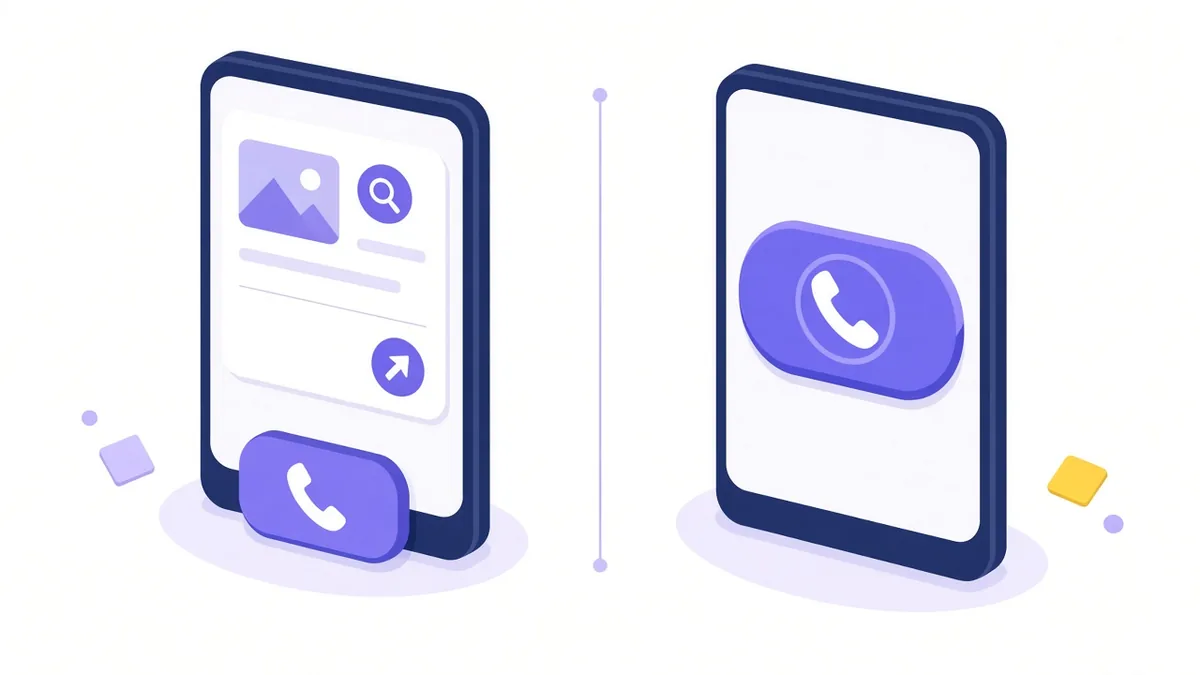
There used to be a separate format called call-only ads (later named call ads) that showed mainly a phone number and a call button, without sending people to a website. Google has been retiring that format: creating new ones is no longer possible, and existing ones are being phased out. Responsive search ads with a call asset attached are the standard way to win calls now.
That change is actually helpful for most businesses. A responsive search ad with a call asset lets people choose: call immediately, visit the website to check details, or get directions. You also gain more space in the ad for your message.
How to add a call asset step by step
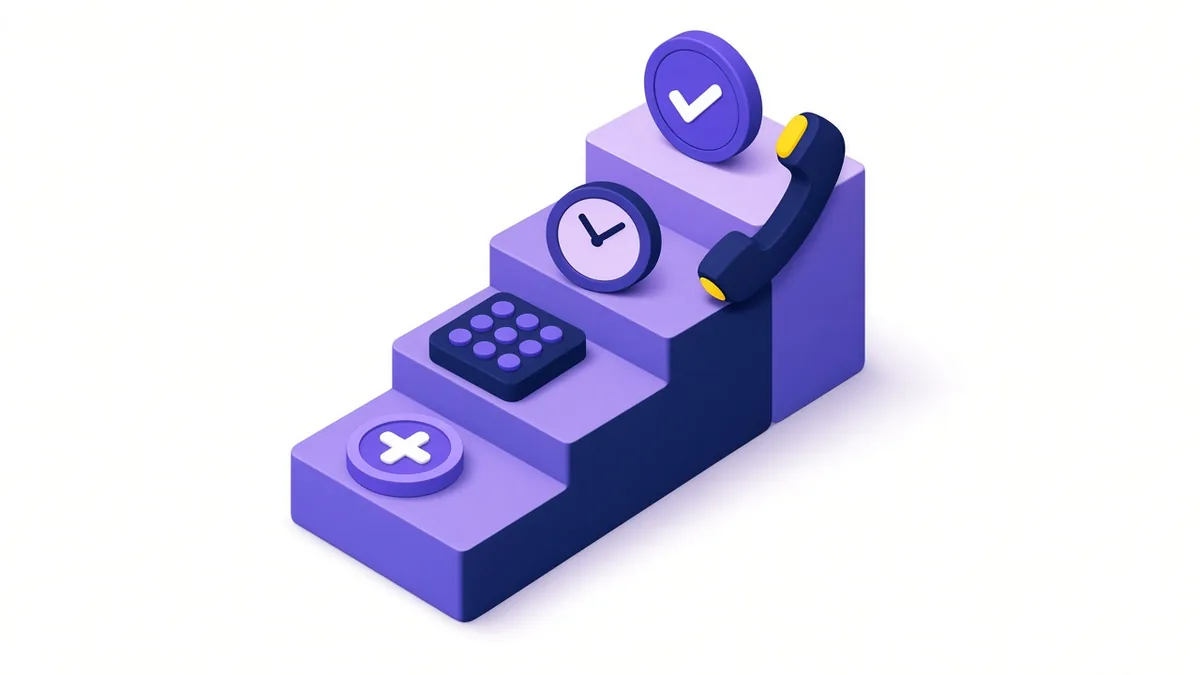
- Sign in to Google Ads and open Assets from the campaign menu.
- Click the plus button and choose Call.
- Select where it should apply: the whole account, chosen campaigns or chosen ad groups.
- Pick the country (India) and enter your business phone number.
- Turn on call reporting if you want calls counted and recorded in your reports.
- Choose a conversion action for calls, with a minimum call length that suits your business.
- Open Advanced options to set an ad schedule for the asset.
- Save, and wait for review.
Use a number that is clearly connected to your business: the same one shown on your website and Google Business Profile. Google checks that numbers are genuine and reachable.
Call hours, numbers and approval issues

Set the schedule to staffed hours
Missed calls are wasted clicks. If nobody answers after 7 pm, schedule the call asset to show only during working hours. The rest of the ad can still run with your website link so people can send a form instead.
Plan ahead for festival closures. Before Pongal or Deepavali, check whether your call hours need a temporary change.
When the asset says "under review"
New or edited assets go through a policy check. Most clear quickly. If an asset stays under review or gets disapproved, common reasons include:
- The number is not shown on the website the ad links to, so Google cannot verify it.
- The number is a premium-rate or unverifiable line.
- A phone number has been typed into a headline or description, which Google does not allow; numbers belong in the call asset.
- The number does not connect or goes straight to a recorded message.
Fix the cause, then edit and resubmit. If you believe the decision is wrong, you can appeal from the policy details.
Forwarding numbers and caller ID
When call reporting is active, Google can display one of its own forwarding numbers, which connects the caller to you while logging the call. Warn staff that some incoming calls may display a Google number rather than the customer's own, so they do not ignore them as spam.
Making calls count
A call asset only helps if calls turn into customers. A few habits make a big difference:
- Answer within a few rings. Use call forwarding to a mobile if the shop phone is not always staffed.
- Prepare a short script that confirms the service, area and timing.
- Ask how the caller found you for a few weeks to check ad calls against other sources.
- Track the outcome. Note which calls booked a job.
Measuring calls properly is a topic of its own; our guide to call tracking in Google Ads covers the different call conversion types in detail.
Example (illustrative, not a client result): An AC repair service covering Vadavalli and Thudiyalur adds a call asset at campaign level, scheduled from 8 am to 8 pm. After hours, ads still run and point to a booking form. The owner sets calls of 60 seconds or longer to count as conversions, so short wrong-number calls do not distort the reports. Every morning, form leads from the night before get a callback.
A note on Local Services Ads
In some countries, Google offers Local Services Ads, a pay-per-lead format with a "Google Screened" style badge. At the time of writing, that product is not offered to businesses in India, which is why call assets on normal search campaigns are the main route to phone leads here. Check Google's Local Services help pages if you want to see the current country list.
Pair call assets with your Google Business Profile
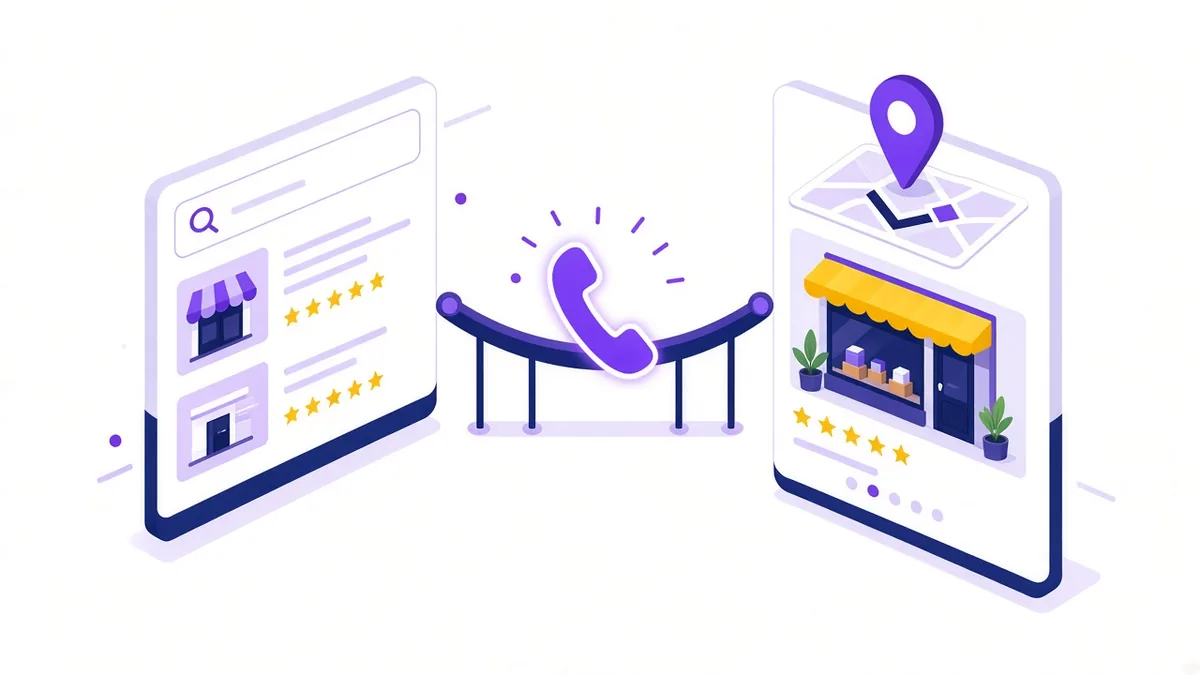
Linking your Google Business Profile to Google Ads lets you add location assets, which show your address and distance and can place ads on Google Maps. Together with a call asset, this gives local searchers both a quick way to call and a quick way to find you. Keeping the profile's phone number and hours in line with the ad avoids confusion. Our team also handles Google Business Profile optimisation if the listing needs work.
Frequently asked questions
Can I show different phone numbers for different branches?
Yes. Add separate call assets at campaign or ad group level, one for each branch, and target each campaign to the area that branch serves. This sends callers straight to the nearest team.
Does a call asset show on desktop searches as well?
It can. On desktop, the number usually appears as text that people can dial or click if their computer supports calling. Most taps happen on mobile, which is where the button is most visible.
Will adding a call asset reduce visits to my website?
Some people will call instead of visiting, which is usually what a local service business wants. Those who need more information can still click through. Compare total enquiries, not just website visits, when you judge the change.
Can I use a WhatsApp number as my call asset?
You can use a regular mobile number that also runs WhatsApp Business, as long as it accepts normal phone calls. For chat-first enquiries, a separate message or WhatsApp option on the landing page is usually clearer for customers.
Turn searches into calls

If phone enquiries are your main goal, our page on Google Ads for local service businesses explains how we set campaigns up around calls. Call +91 93429 52626 or email info@xtrodinry.com to talk it through.
About the author: Karthik N, Founder of Xtrodinry in Coimbatore and SEO strategist. Connect on LinkedIn · About Xtrodinry
Xtrodinry · 4/175/A, Vijayalakshmi Nagar, Panappatti, Coimbatore, Tamil Nadu 641201 · +91 93429 52626 · info@xtrodinry.com