

Facebook Lead Ads Testing Tool: Test Your Form Right

The Facebook lead ads testing tool is a free page on Meta's developer site that lets you submit a dummy lead through any instant form on your Page, then check whether that lead reached your CRM, Google Sheet connector or email alert. Use it before a campaign goes live and again whenever you change an integration. It takes five minutes and saves you from the worst outcome in lead generation: paying for enquiries that sit unseen because the connection quietly broke.
Below is a step-by-step walkthrough, the usual reasons test leads fail, and how to get real leads to your phone or WhatsApp quickly. If you want the form, follow-up and lead quality handled for you, our page on Meta lead ads in Coimbatore explains how we build and run instant form campaigns.
What the testing tool does
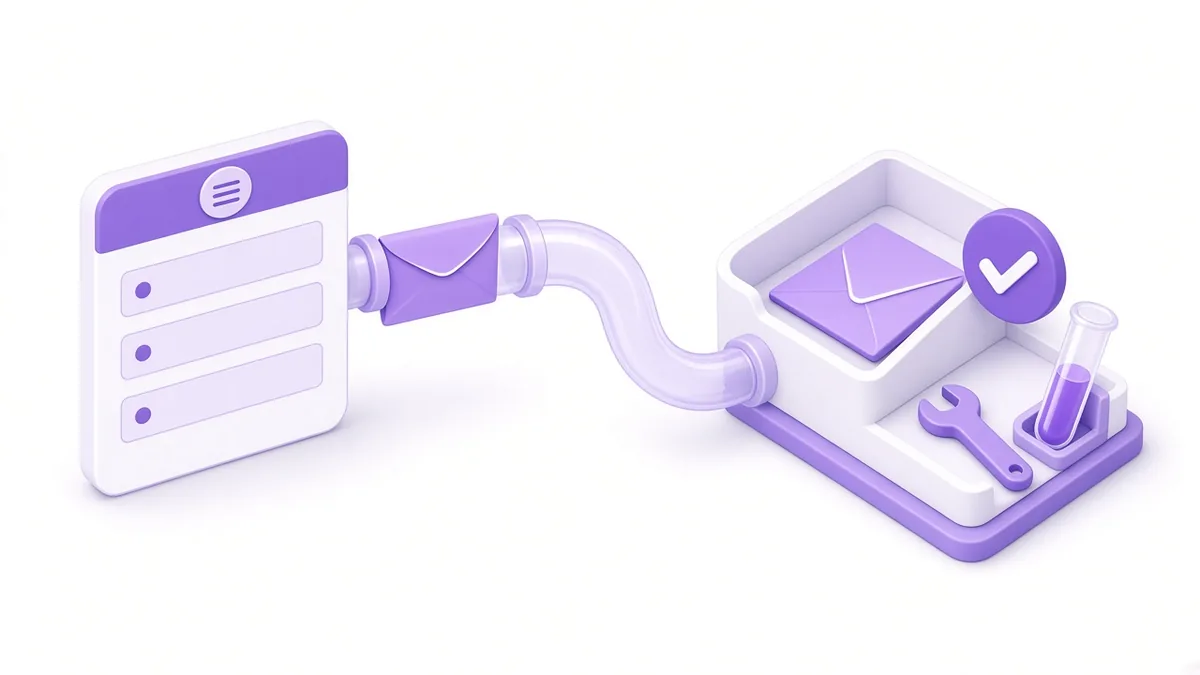
The tool lives at developers.facebook.com/tools/lead-ads-testing. Once you log in with a Facebook account that has access to the Page, it lets you:
- Pick a Page and an instant form from drop-down lists.
- Create a test lead filled with your own profile details, exactly as a real person's submission would be created.
- Delete the existing test lead so you can run another test. Meta allows one test lead per form per person, so you must delete before re-testing.
- Track status for each connected app or CRM, which shows whether the lead was delivered or returned an error.
It does not spend money or show an ad to anyone. It simply pushes a lead through the same pipes a real one would use.
Before you test: terms, privacy link and page access

Most failed tests trace back to set-up steps nobody finished. Clear these first.
Accept the Lead Ads Terms
The first time a Page creates an instant form, Meta asks an admin to accept its Lead Ads Terms. If that never happened, forms may not publish and leads may not sync. Open the form creation flow in Ads Manager or Meta Business Suite and look for the prompt.
Add a working privacy policy link
Every instant form needs a link to your business's privacy policy. A dead link or a generic template that names another company creates trust and compliance problems. The page should say who collects the data, why, how long you keep it and how someone can ask for deletion. India's Digital Personal Data Protection framework makes clear notices more important, and our guide to the DPDP Act and marketing covers what to put in place.
Check leads access
In Business Settings, under Integrations, a section called Leads Access controls which people and which CRMs can retrieve leads for a Page. If your CRM or connector is not listed there, its test will fail even though the form itself works.
Running a test lead step by step

- Open the testing tool and log in.
- Select the Facebook Page from the first drop-down.
- Select the instant form you plan to advertise. Only published forms appear.
- If a "Delete lead" button shows, click it to clear the previous test.
- Click "Create lead". A test submission is created with your profile details.
- Click "Track status". Each subscribed app is listed with a result: a success message, or an error with a short reason.
- Open your CRM, sheet or inbox and confirm the lead actually landed with every field in the right column.
- Ask whoever handles leads to treat it as real: did they get a notification, and how fast?
Repeat steps 4 to 7 after any change to the form's questions, because a renamed field can break a mapping in your sheet without warning.
Leads not arriving? Common causes

| Symptom in the tool | Likely cause | What to check |
|---|---|---|
| No apps listed under status | Nothing is subscribed to the Page's lead events | Reconnect the CRM or connector to the Page |
| Error mentioning permissions | The connector lacks leads access | Add it under Leads Access in Business Settings |
| Success, but nothing in the sheet | Field mapping or wrong sheet tab | Re-map fields after editing the form |
| Lead arrives hours later | Connector polls on a slow schedule | Use an instant trigger or a direct integration |
| Test works, real leads do not | Ad is pointing at a different form | Open the live ad and confirm the form name |
When the tool itself refuses to create a lead, the usual reasons are an unpublished form, a Page role that lacks permission, or a test lead that was never deleted.
Getting leads out: download, CRM or sheet
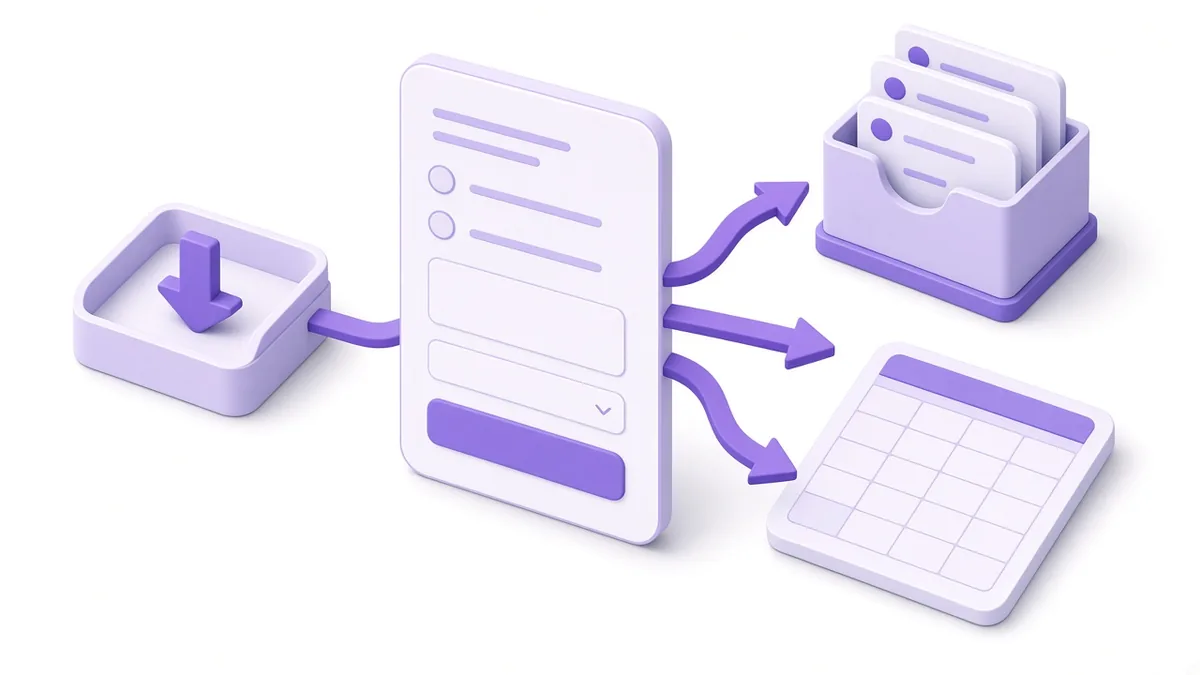
There are three common ways to collect leads, from slowest to fastest:
- Manual download. From the forms library in Business Suite, you can export submissions to a spreadsheet file. Meta has said leads are available to download for a limited period (90 days in its help pages at the time of writing), so never rely on Meta as your long-term storage.
- Google Sheets connector. Tools such as Zapier, Make or Meta-approved integrations append each new lead to a sheet. Cheap and easy for small teams.
- CRM integration. Many Indian CRMs used by real estate developers, coaching centres and clinics offer a direct Facebook lead sync. Best when several salespeople share leads.
Whatever you choose, test it with the tool, then check it weekly.
Replying fast on WhatsApp or phone
A lead form collects intent for a moment. The first call or message decides whether that intent survives.
Send an instant alert. Configure your connector or CRM to notify the person on duty by email, app notification or a WhatsApp message to an internal number.
Offer a WhatsApp path on the form. The completion screen of an instant form can include a call-to-action button. Depending on what Meta offers your account, that can be a call button, a website link or a WhatsApp option. A buyer who just submitted can tap straight into a chat.
Use a WhatsApp template for first contact. If you are on the WhatsApp Business Platform, an approved utility or marketing template can greet the lead automatically. Check Meta's current pricing and consent rules before sending.
Consider a different ad format. If most of your buyers prefer chatting over forms, click-to-WhatsApp ads skip the form altogether.
Example (illustrative, not a client result): a coaching centre in Gandhipuram tests its form and finds that the "Preferred batch" answer lands in the wrong sheet column. Fixing the mapping before launch means counsellors see each student's batch choice on the first call instead of asking again.
Frequently asked questions

Can I run the testing tool without admin access to the Page?
You need a Page role or task access that allows working with leads. Without it, the Page or form will not appear in the drop-downs. Ask the Page owner to grant the right access in Business Settings.
Will a test lead appear in my campaign results?
No. A test lead is not linked to an ad, so it does not count in Ads Manager results or affect delivery. It only appears in the forms library and connected systems.
Why does the tool say a lead already exists?
Meta allows one test lead per form per person. Click "Delete lead" in the tool, then create a fresh one.
Do Facebook lead ad forms work on Instagram too?
Yes. Instant forms can run on Instagram placements as well as Facebook. The same testing tool and the same Page connection handle both, because the form belongs to the linked Facebook Page.
How quickly should we call a Facebook lead back?
As soon as practical, ideally within minutes during working hours. Interest fades quickly and many people submit forms for several businesses at once, so the first useful reply often wins.
Want your lead pipeline checked end to end?

We test the form, the connection and the follow-up together, then hand you a written fix list. Read how our Meta lead ads in Coimbatore service runs, or ring +91 93429 52626 to talk it through.
About the author: Karthik N, Founder of Xtrodinry in Coimbatore and SEO strategist. Connect on LinkedIn · About Xtrodinry
Xtrodinry · 4/175/A, Vijayalakshmi Nagar, Panappatti, Coimbatore, Tamil Nadu 641201 · +91 93429 52626 · info@xtrodinry.com