WhatsApp Ads Cost in India: What You Actually Pay Per Chat
WhatsApp ads cost in India comes down to two bills, and sometimes a third. First, the ad spend you set in Meta Ads Manager to show Facebook or Instagram ads that open a WhatsApp chat. Second, messaging charges, which apply only if you use the WhatsApp Business Platform (the API) rather than the free WhatsApp Business app. Third, any fee you pay someone to run it. There is no fixed price per chat: Meta runs an auction, so your cost per conversation depends on audience, creative, competition and how quickly you reply.
This guide breaks each bill down, shows how to work out a cost per chat and per sale, and suggests a sensible starting budget. For the set-up side (greeting messages, reply rotas and chat-to-sale tracking), see our page on click-to-WhatsApp ads in Coimbatore.
What people mean by "WhatsApp ads"
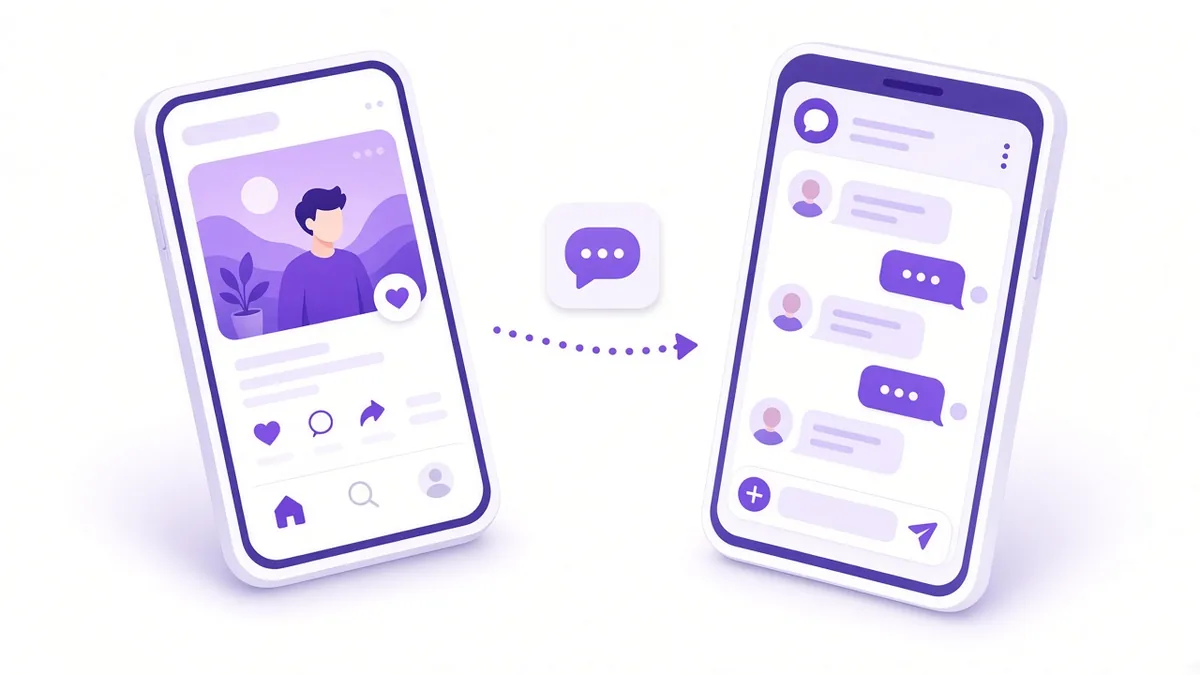
The phrase gets used for three quite different things, and the cost logic differs for each:
- Click-to-WhatsApp ads. Ads on Facebook or Instagram with a "Send WhatsApp message" button. This is the format most Indian businesses mean, and the one this guide focuses on.
- Ads inside WhatsApp's Updates tab. Meta announced ads in Status and promoted channels in 2025. Availability has been rolling out gradually, so check whether the placement appears in your own Ads Manager before planning around it.
- Bulk or broadcast messages. Sending offers to a contact list. That is messaging, not advertising, and it carries its own rules on consent and template approval.
Ad spend: how Meta charges
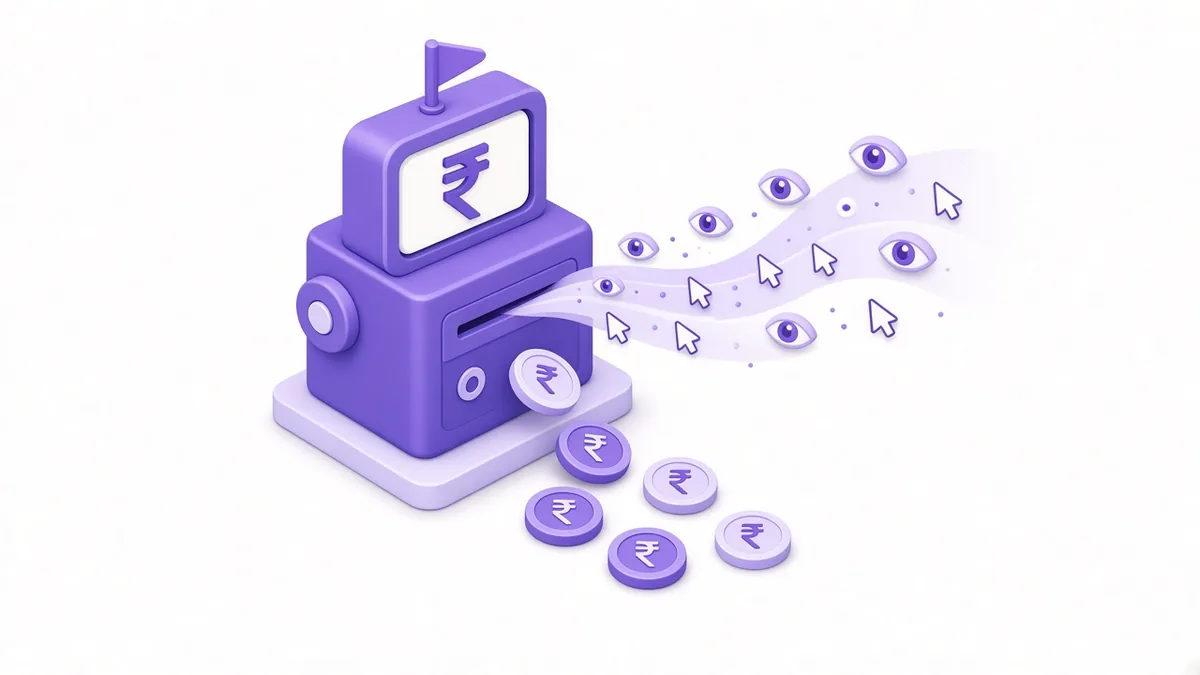
You choose a daily or lifetime budget at campaign or ad set level. Meta then charges your card, UPI-linked payment method or prepaid funds as the ads deliver. A few points matter for cost:
- You pay for delivery, not for chats. Most click-to-WhatsApp campaigns are billed on impressions, even when the goal is conversations. The "cost per messaging conversation started" in reports is a calculation, not a rate you agreed to.
- The objective changes who sees the ad. An Engagement or Sales campaign with WhatsApp as the conversion location tells Meta to find people likely to start a chat, which usually costs more per thousand views but less per useful conversation than a reach campaign.
- Billing thresholds. New accounts are charged each time spend hits a threshold or on a monthly billing date, whichever comes first. Expect small, frequent charges in the first weeks.
Messaging charges inside WhatsApp (check current Meta rates)
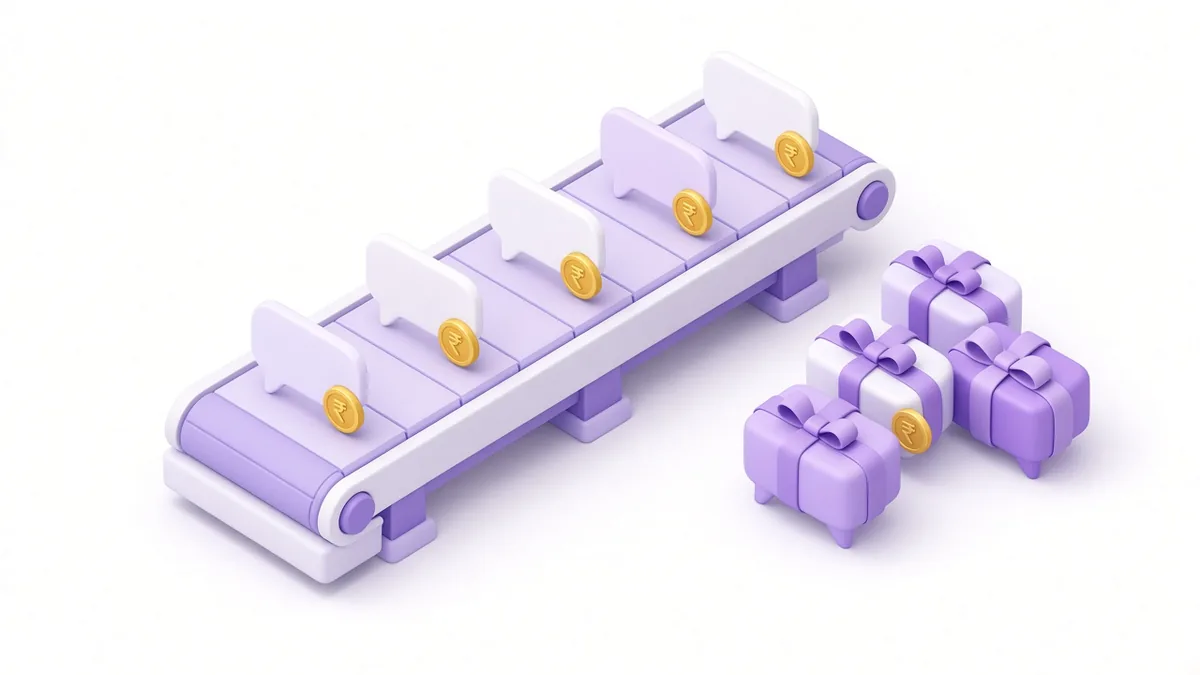
If you answer chats on the WhatsApp Business app on a phone, Meta does not charge for messages. Many small shops and clinics in Coimbatore start here and never need more.
On the WhatsApp Business Platform, Meta charges per delivered message by category: marketing, utility, authentication and service. Two rules matter most for advertisers:
- The free entry point window. Meta's platform pricing page describes a 72-hour window with no message charges. It opens when a customer taps a click-to-WhatsApp ad or a Facebook Page call-to-action button, writes to you from the WhatsApp phone app on Android or iPhone, and gets your reply within 24 hours. Chats started from WhatsApp Web or desktop do not get this window.
- The changes from 1 October 2026. Meta's documentation and Indian press coverage on 1 October 2026 describe service replies becoming chargeable after 1,000 free service messages per business number each month, and utility messages becoming chargeable even inside the customer service window. The same coverage quoted India rates of ₹0.8631 per marketing message and ₹0.115 per utility, authentication or service message.
Rates and rules change, so treat those figures as a snapshot and open Meta's current rate card before you budget. Your solution provider may also add its own platform fee on top.
Working out cost per chat and per sale (illustrative)
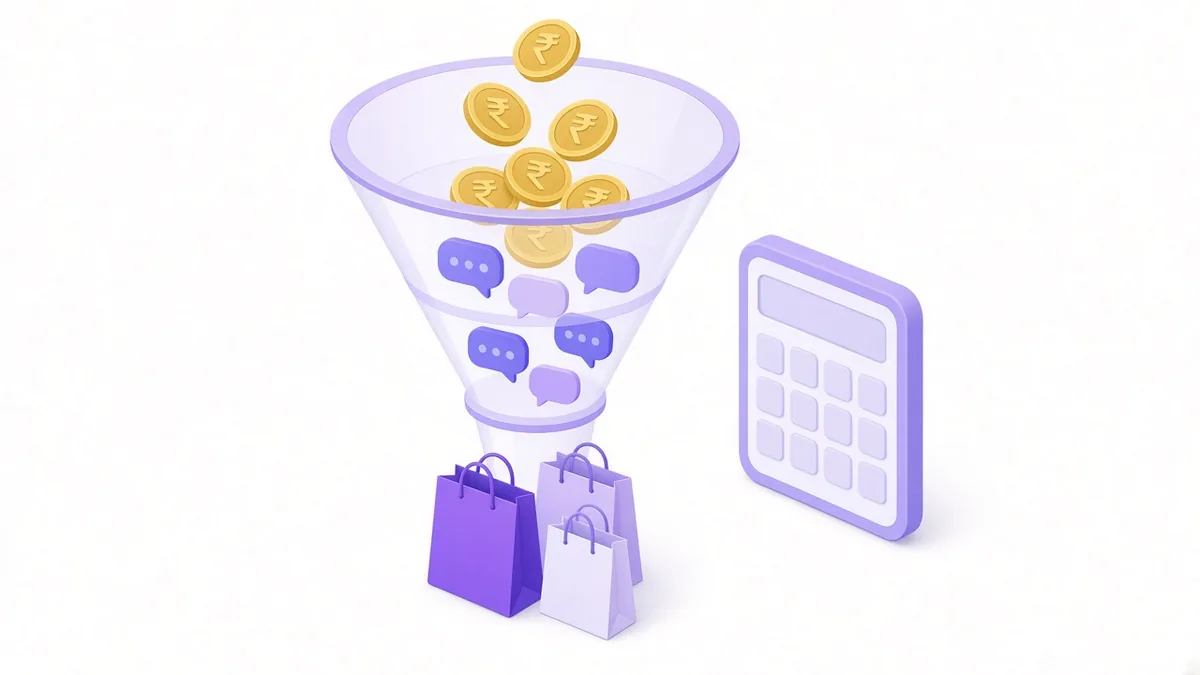
A campaign report shows spend and conversations started. To see whether the ads pay, carry the maths through to sales.
Example (illustrative, not a client result): a physiotherapy centre in Peelamedu runs a click-to-WhatsApp campaign.
- Ad spend over 20 days: ₹10,000
- Conversations started: 250, so cost per chat = ₹10,000 ÷ 250 = ₹40
- Chats that asked a real question about treatment: 150
- Appointments booked: 30, so ad cost per booking = ₹10,000 ÷ 30 ≈ ₹333
- Messaging charges: nil on the Business app; on the Platform, most replies inside the free entry point window would not be charged
Now change one thing. If the front desk takes three hours to reply, perhaps only 15 people book. The ad bill stays at ₹10,000, but each booking now costs about ₹667. The ad did not change; the reply speed did.
Keep a simple sheet with columns for date, chats, genuine enquiries, bookings and sale value. After two weeks you know your real cost per customer, which matters far more than cost per chat.
What raises or lowers your cost
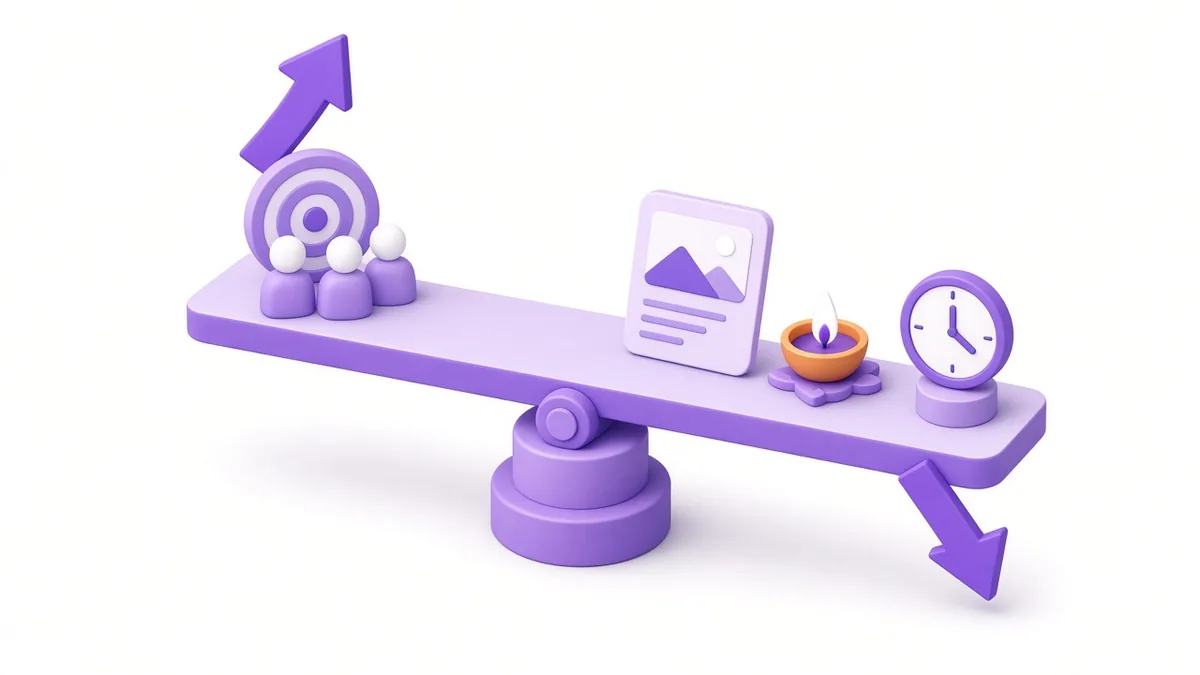
Factors that push cost up
- A very small audience, such as a 1 km radius with tight interests, which Meta struggles to find enough people in.
- Festival weeks like Deepavali, when larger retailers bid for the same eyes.
- Weak creative: a plain poster with no clear reason to message.
- Slow or missing replies, which do not change the ad price but destroy cost per sale.
Factors that bring cost down
- A clear hook in the first line ("Ask for today's price list on WhatsApp").
- Prefilled message text, so the customer only taps send.
- Running ads only in hours when someone can answer.
- Fresh creative every two to four weeks so the same people are not shown the same ad repeatedly.
Setting a starting budget
There is no universal number, but a structured starting point helps:
- Put a rupee figure on a typical new customer. A tailoring order, a dental consultation and a plot site visit have very different values.
- Decide what you can afford to spend to win one. If a new customer is worth ₹2,000 in profit over a year, spending ₹400 to win one may be fine.
- Run a two to three week learning budget. Spend enough to collect a meaningful number of chats, then judge on bookings, not on likes.
- Scale only what is proven. Increase budget gradually on the ad set that brings buyers, and pause the rest.
If you are still choosing between quick boosts and full campaigns, our guide on boost post vs Ads Manager explains which route gives you the WhatsApp settings you need. For the wider picture of Facebook and Instagram advertising, our Meta ads agency in Coimbatore page covers budgets, tracking and reporting.
Frequently asked questions

Does WhatsApp itself bill me when an ad starts a chat?
Not if you reply from the free WhatsApp Business app. Only Business Platform accounts receive messaging charges, and Meta's pricing page lists a 72-hour free entry point window for chats that begin from an ad.
What is the monthly cost of WhatsApp Business ads for a small shop?
It is whatever budget you set in Ads Manager, plus any agency or software fee. Meta has no subscription for click-to-WhatsApp ads, so a small shop can start with a modest daily amount and adjust weekly.
Are WhatsApp Status ads available to Indian advertisers?
Meta announced ads in the Updates tab in 2025 and has been rolling them out in stages. Look for the placement in your Ads Manager; if it is missing, it is not yet available to your account.
Do I need a solution provider to run click-to-WhatsApp ads?
No. You can link a WhatsApp Business app number to your Facebook Page and run ads directly. A provider becomes useful when you move to the Business Platform for shared inboxes, CRM sync or automated replies.
Why do my WhatsApp ad chats stop after "Hi"?
Usually because the ad promised nothing specific, or the first reply came too late. Use prefilled text that asks a clear question and reply with a helpful answer or price range within minutes.
Want a clear read on what your chats really cost?

We check your WhatsApp set-up, campaign objective and reply times, then show you where the money leaks. See how our click-to-WhatsApp ads in Coimbatore service works, or write to info@xtrodinry.com with your current ad results.
About the author: Karthik N, Founder of Xtrodinry in Coimbatore and SEO strategist. Connect on LinkedIn · About Xtrodinry
Xtrodinry · 4/175/A, Vijayalakshmi Nagar, Panappatti, Coimbatore, Tamil Nadu 641201 · +91 93429 52626 · info@xtrodinry.com