

Meta Pixel Setup Guide: Code, ID and Pixel Helper
Meta Pixel setup takes four steps: create a pixel (Meta now labels it a dataset) in Events Manager, add its base code to every page of your website, confirm it fires with the Meta Pixel Helper browser extension, then switch on the standard events that matter to your business, such as Lead or Purchase. Once that works, add the Conversions API so events still reach Meta when a browser blocks scripts. A working pixel is what lets Facebook and Instagram ads optimise for real enquiries and sales, and what makes retargeting possible.
This walkthrough covers each step for website builders and custom sites. The main job a pixel unlocks is showing ads again to people who already visited, which we explain on our page about Meta retargeting ads in Coimbatore.
What the Meta Pixel is (and is not)
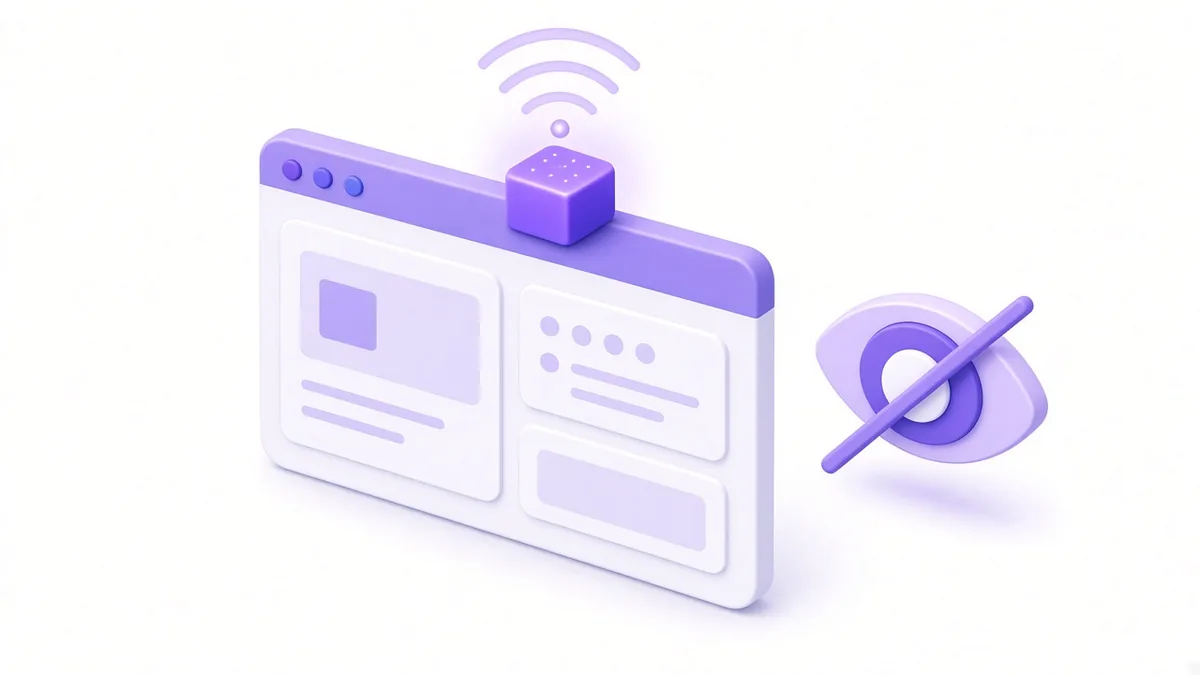
The pixel is a short piece of JavaScript from Meta. When someone visits your site, it sends Meta a signal: this browser viewed this page, or added this product to cart, or submitted this form. Meta matches those signals to Facebook and Instagram users where it can.
What that gives you:
- Measurement. Ads Manager can report leads and purchases, not just clicks.
- Optimisation. Campaigns can ask Meta to find people likely to complete a specific action.
- Audiences. You can build custom audiences of site visitors, product viewers or cart abandoners.
What it is not:
- It is not Google Analytics. It reports to Meta only, for advertising.
- It does not identify visitors to you by name.
- It does not replace a consent notice. You still have to tell visitors what you collect.
Finding your pixel ID

- Open Meta Business Suite, go to All tools, then Events Manager.
- Choose Connect data sources, then Web. Name the dataset after your business and enter your website address.
- Once created, the dataset appears in the left column. Its ID is the long number shown in its settings or overview page.
Keep that ID handy; website plugins often ask for it. Make sure the dataset sits inside your own business portfolio. If an earlier freelancer created it under their account, ask them to share it or transfer it now, before you build months of data on it.
Adding the pixel code: website builders and custom sites
Shopify, WooCommerce, Wix and similar platforms
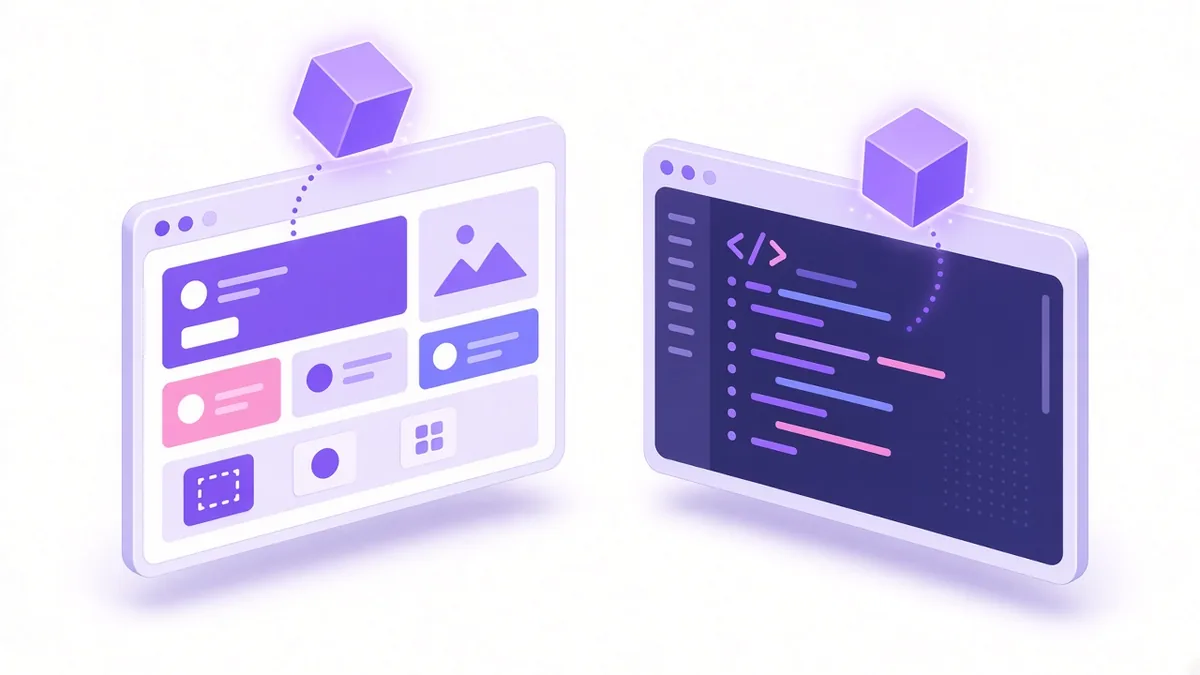
Most popular platforms offer an official Meta integration:
- Shopify: install Meta's sales channel app (Facebook & Instagram) and connect the business portfolio, Page and dataset. It handles base code, standard e-commerce events and a server-side connection.
- WooCommerce (WordPress): use Meta's official plugin, connect your account and pick the dataset.
- Wix, Squarespace and others: look under marketing integrations for a Facebook or Meta pixel field, then paste the ID.
Use only one method. Installing the plugin and also pasting code into the theme creates double-counted events.
Custom-coded sites
In Events Manager, choose to install code manually. Meta shows the base code with your ID already inside. Paste it into the <head> section of every page, typically in a shared header file or layout component. For single-page apps built in React or similar frameworks, make sure page views fire on route changes, not only on the first load.
Google Tag Manager
If your site already runs Tag Manager, add a custom HTML tag with the base code, triggered on all pages, then separate tags for each event. This keeps tracking changes away from your developer's release cycle.
Checking it with Pixel Helper
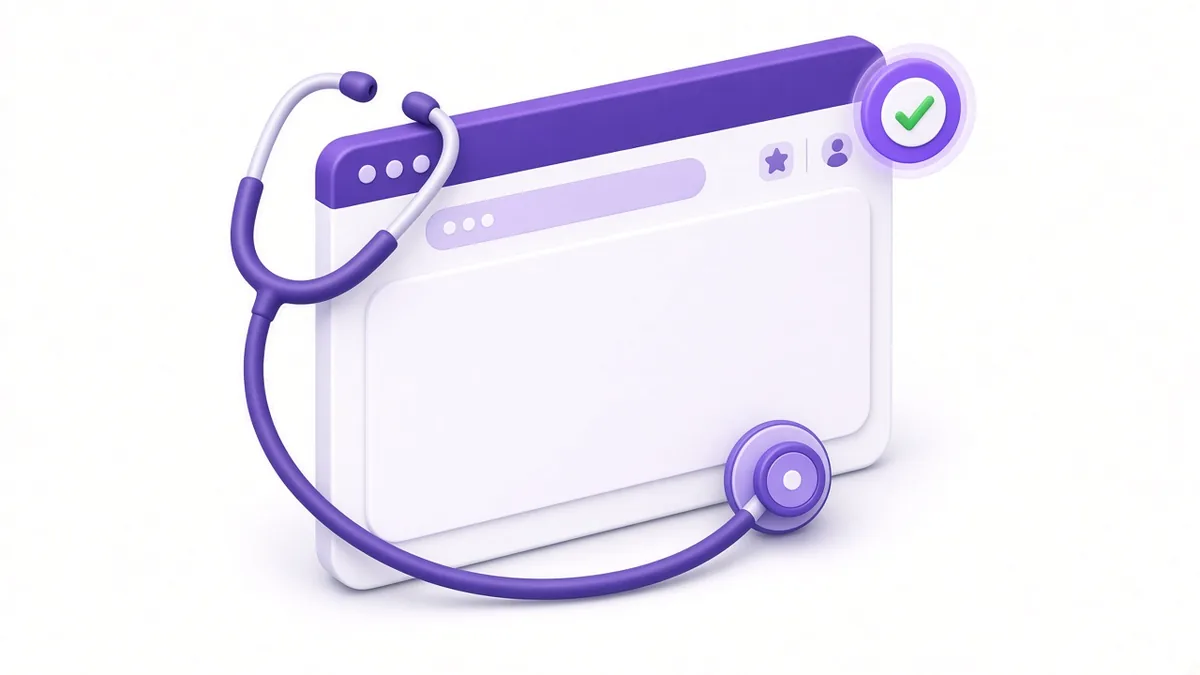
The Meta Pixel Helper is a free Chrome extension from Meta.
- Install it from the Chrome Web Store.
- Visit your website. The extension icon shows a number when it detects a pixel.
- Click it to see which pixel ID fired and which events were sent.
- Walk through a real journey: open a product, add to cart, submit the contact form. Each step should show the matching event.
Warnings in Pixel Helper are worth reading. Common ones include a pixel firing twice, an event missing parameters such as value and currency, or a second unknown pixel ID left by an old agency.
Events Manager also has a Test Events tab. Enter your website address there, browse the site in the window it opens, and watch events arrive in real time from both browser and server.
Standard events worth tracking
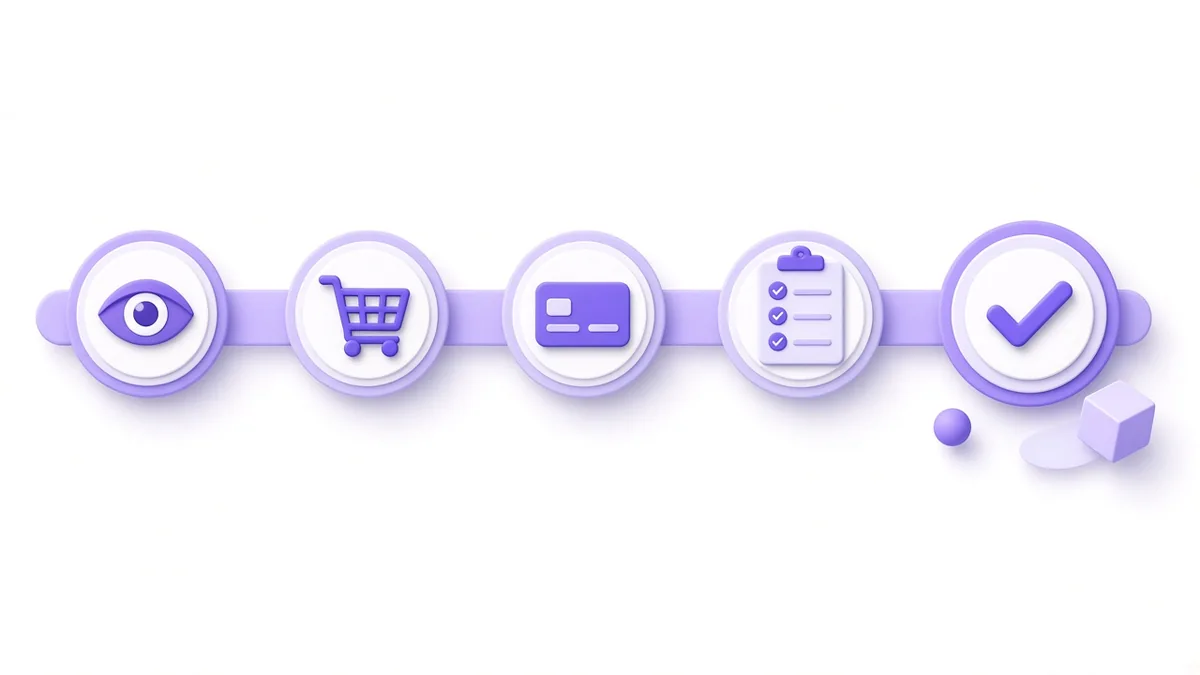
Meta defines a list of standard events. Pick the few that match how you make money:
| Business type | Key events |
|---|---|
| Online store | ViewContent, AddToCart, InitiateCheckout, Purchase (with value and currency) |
| Clinic, coaching centre, service firm | Lead, Contact, Schedule |
| Real estate or high-ticket B2B | Lead, CompleteRegistration (for site-visit or brochure forms) |
| Restaurant or local shop | Contact (call or WhatsApp click), FindLocation |
Send value and currency ("INR") with purchases so Ads Manager can show revenue and return on ad spend. For catalogue ads, include content_ids that match your product feed; our Meta catalogue ads guide explains why.
Example (illustrative, not a client result): a diagnostics lab in Ramanathapuram fires Lead only when the booking form shows its thank-you message, not when someone merely opens the form. That keeps the Lead count honest and gives campaigns a cleaner signal.
Conversions API: when to add it
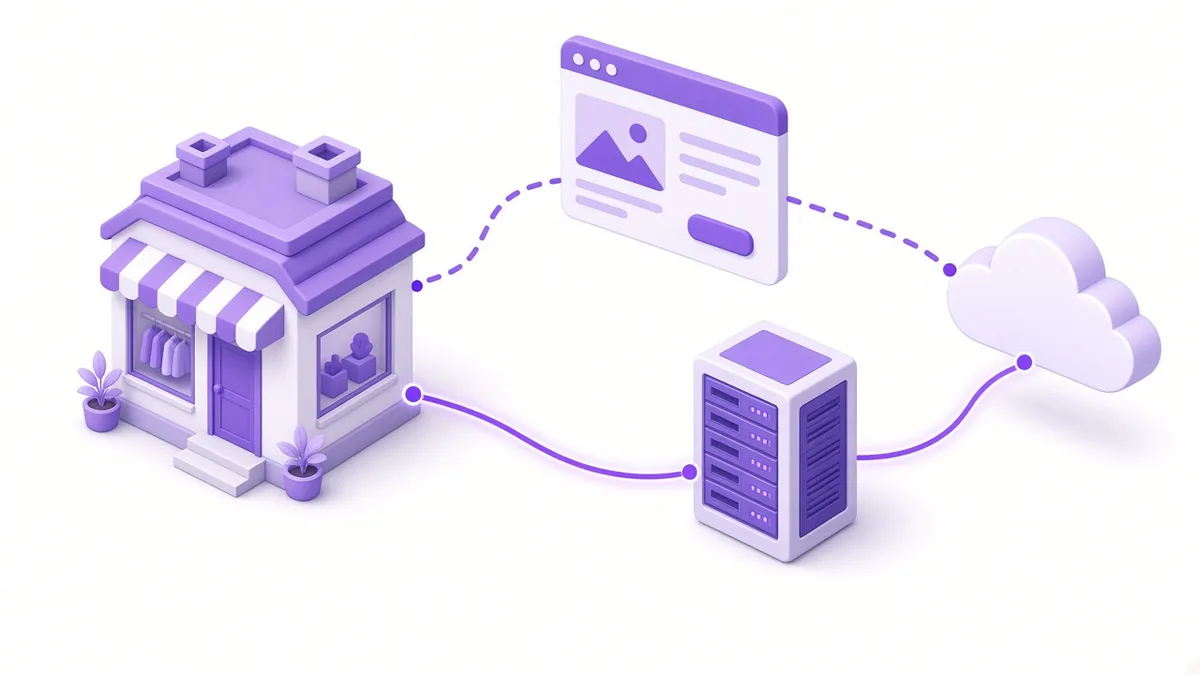
Browser pixels lose data. Ad blockers, browser privacy features and slow mobile networks all stop some events from reaching Meta. The Conversions API (CAPI) sends the same events from your server instead.
Add it when:
- you spend regularly on Meta ads and rely on purchase or lead data,
- your Pixel Helper and Test Events show events missing on mobile,
- you sell through a platform such as Shopify that offers CAPI with a few clicks.
Ways to set it up, from easiest to most technical: a platform integration, Meta's Conversions API Gateway, a server-side Tag Manager container, or a direct developer integration. Whichever you choose, send the same event_id from both the browser and the server so Meta can deduplicate and count each action once.
Consent and privacy notes
India's Digital Personal Data Protection Act and its rules shape how businesses should handle personal data, including data collected through tracking tools. In practice:
- State in your privacy policy that you use Meta advertising tools and why.
- Consider a consent banner, especially if you serve visitors from regions with strict rules.
- The pixel supports consent controls, so you can hold events until a visitor agrees.
- Do not send sensitive details such as health conditions in event parameters.
Our article on the DPDP Act and marketing gives a plain-language checklist. When in doubt, take advice on your specific situation.
Frequently asked questions

Can one website have two Meta pixels?
It can, but it complicates reporting and often double-counts. Most businesses should use one dataset per website, owned by their own business portfolio, and remove leftover pixels from previous agencies.
Why does Pixel Helper show "pixel did not load"?
Usually the code is placed incorrectly, blocked by a script optimisation plugin, or broken by a missing character. Disable the optimisation plugin briefly to test, then re-paste the base code from Events Manager.
Do I need domain verification for my pixel?
Verifying your domain in Business Settings confirms you own the site and gives you control over how events from it are used. It is a quick DNS or meta-tag step and worth doing early.
Will the pixel slow my website down?
The base code loads asynchronously, so its effect is small. Several old pixels and tag scripts stacked together can add up, which is one more reason to clean out unused ones.
Can I track WhatsApp button clicks with the pixel?
Yes. Fire a Contact event, or a custom event, when someone taps the WhatsApp link on your site. It measures intent to chat, though not whether the chat became a sale.
Want your tracking checked before you spend more?
Broken or duplicate pixels quietly mislead every campaign decision. Read how our Meta retargeting ads in Coimbatore service uses clean tracking to build audiences, or see the wider Meta ads agency in Coimbatore page. Call +91 93429 52626 for a free tracking check.
About the author: Karthik N, Founder of Xtrodinry in Coimbatore and SEO strategist. Connect on LinkedIn · About Xtrodinry
Xtrodinry · 4/175/A, Vijayalakshmi Nagar, Panappatti, Coimbatore, Tamil Nadu 641201 · +91 93429 52626 · info@xtrodinry.com